前端代码编辑组件
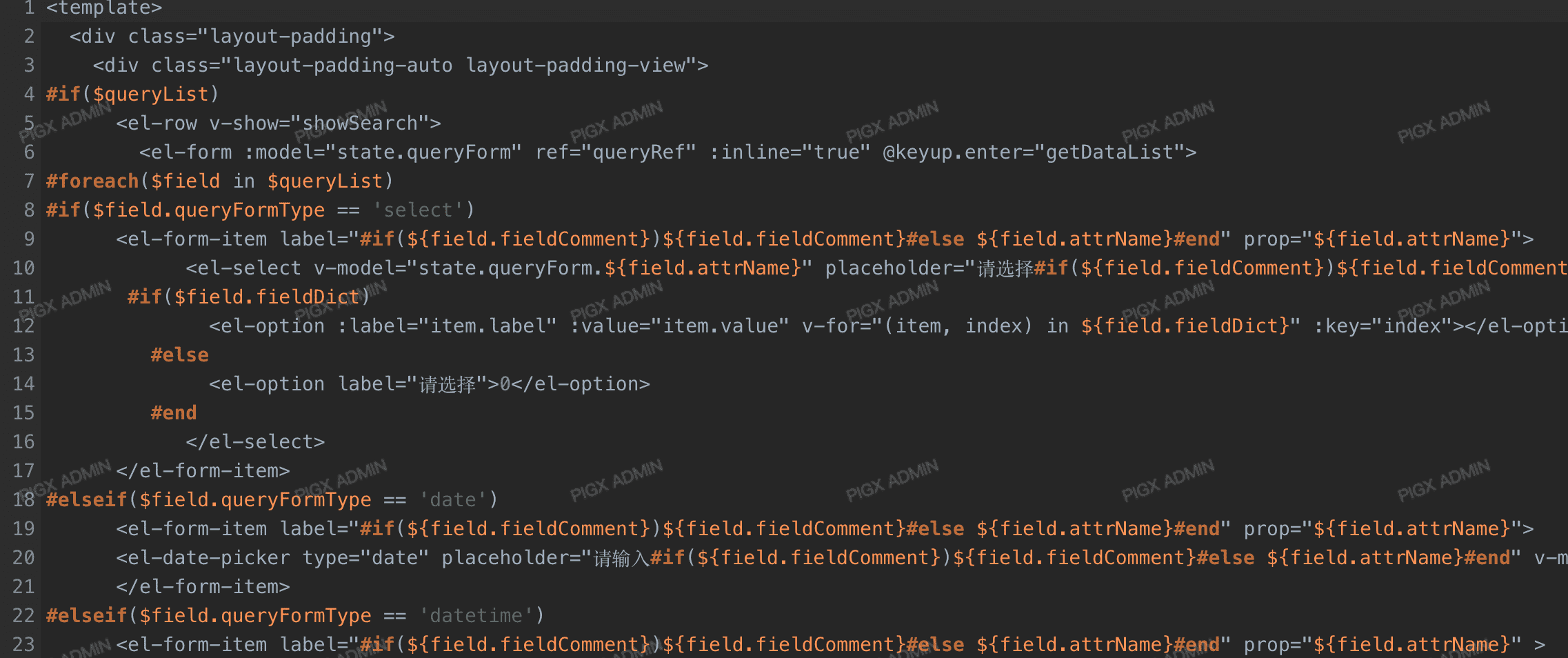
CodeEditor 组件基于 CodeMirror 封装,提供代码高亮、语法检查等编辑功能。
异步加载组件
组件采用异步加载方式,可按需引入,减少首屏加载体积。
使用方法
Props 属性
| 属性 | 类型 | 默认值 | 说明 |
|---|---|---|---|
modelValue | String | '' | 绑定的代码内容,支持 v-model 双向绑定 |
mode | String | 'go' | 代码语言模式 |
theme | String | 'idea' | 编辑器主题 |
height | String / Number | 300 | 编辑器高度,数字自动添加 px,支持 '100%' 等 |
options | Object | CodeMirror 配置选项,支持 showCopy 等 | |
readOnly | Boolean | false | 是否只读模式 |
支持的语言模式
语言支持
组件内置了以下语言模式的支持,通过 mode 属性指定:
| mode 值 | 语言类型 |
|---|---|
go | Go 语言(默认) |
shell | Shell 脚本 |
velocity | Velocity 模板 |
text/x-java | Java |
text/x-c++src | C++ |
text/x-csharp | C# |
主题配置
组件内置两种主题风格:
| 主题 | 说明 |
|---|---|
idea | IntelliJ IDEA 亮色风格(默认) |
darcula | Darcula 暗色风格 |
主题限制
组件仅内置了 idea 和 darcula 两种主题,如需使用其他主题需要额外引入对应的 CSS 文件。
复制按钮功能
通过 options 配置可以启用代码复制按钮,按钮悬浮在编辑器右上角:
复制状态反馈
点击复制按钮后,图标会切换为勾选状态,2秒后自动恢复,提供良好的用户交互体验。
自定义配置
通过 options 属性可以传递 CodeMirror 的原生配置项:
常用配置项
| 配置项 | 类型 | 默认值 | 说明 |
|---|---|---|---|
lineNumbers | Boolean | true | 显示行号 |
lineWrapping | Boolean | false | 自动换行 |
tabSize | Number | 4 | Tab 宽度 |
indentUnit | Number | 4 | 缩进单位 |
indentWithTabs | Boolean | true | 使用 Tab 缩进 |
styleActiveLine | Boolean | true | 高亮当前行 |
showCopy | Boolean | false | 显示复制按钮 |
配置优先级
通过 options 传递的配置项优先级高于组件的 props 属性,可能会覆盖默认行为。
本页目录